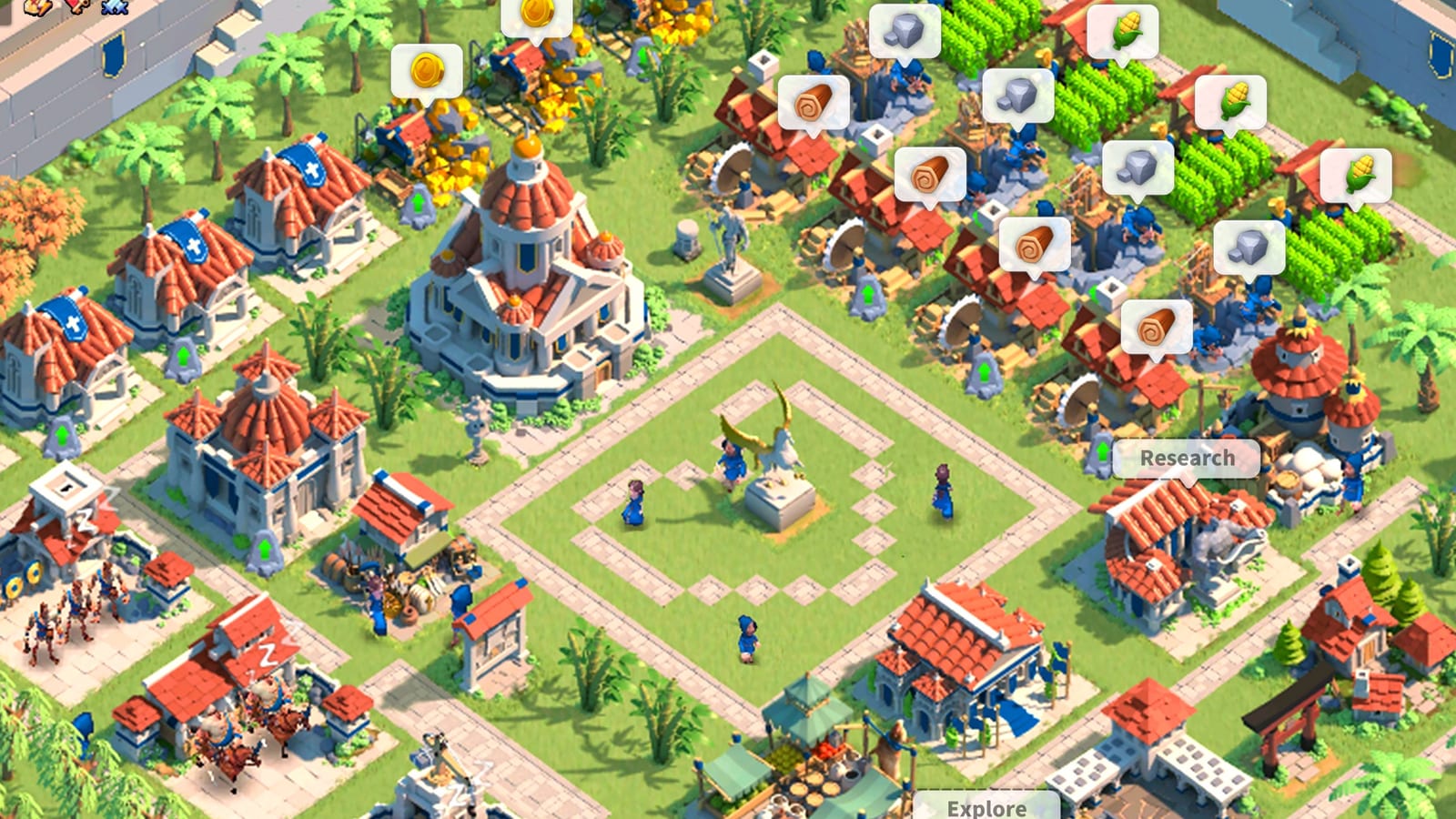

Rise of Kingdoms started as a phone game, but it has had an official computer version since April 2022, and there are now three legitimate ways to play it on a desktop. Your account and progress carry across all of them and your phone, so you can switch freely.

Option 1: Lilith’s Windows client
The official site, rok.lilith.com, offers a native Windows client from Lilith Games. The installer is a small download that fetches the rest of the game, and it is kept up to date — the current installer was last refreshed on September 3, 2026. Lilith doesn’t publish a formal spec sheet for it, but it is the lightest option: it runs the game directly rather than through an Android layer.
Option 2: Google Play Games on PC
Rise of Kingdoms is also available through Google Play Games on PC, where it is listed as Rise of Kingdoms: Lost Crusade. Google’s minimum requirements are the most specific on offer: Windows 10 (version 2004) or later, an SSD with 10GB of free space, an Intel UHD Graphics 630 or comparable GPU, four physical CPU cores, 8GB of RAM, a Windows admin account and hardware virtualization turned on in the BIOS.
Option 3: Mac with Apple silicon
On macOS, the game installs straight from the App Store. It requires macOS 11 or later on a Mac with an Apple M1 chip or newer, and the download is about 2.2GB. Intel-based Macs aren’t supported.
What actually matters
Rise of Kingdoms isn’t demanding on graphics — integrated graphics handle it — but it is sensitive to storage and memory. An SSD makes a clear difference to load times and to how quickly the map fills in as you scroll, and 8GB of RAM is the realistic floor, especially if you keep a browser or Discord open alongside it. During large Lost Kingdom battles with hundreds of armies on screen, a quad-core CPU keeps the map responsive.
Our take
Use Lilith’s own client on Windows unless you already use Google Play Games, and put your upgrade money into an SSD before anything else. Our Rise of Kingdoms beginner’s guide covers what to do once you’re in.